Heroes III on GNU/Linux
Updated: July 18, 2014
I’m a longtime fan of the Heroes of Might and Magic series, especially Heroes III. Today I decided to spend some time playing it on my openSUSE machine.
This article covers installing the native GNU/Linux version released years ago by Loki Software on a newer GNU/Linux distribution. It does not cover running the Windows version under Wine.
1. Getting a copy of the game
Since Loki has closed, you can no longer order the game directly from them. However, copies may still be available on eBay or through other online stores. You can also search for “Heroes III Linux”.
2. Downloading the patch
Download the 1.3.1a patch, named heroes3-1.3.1a-unified-x86.run.
3. Installing the game
Installing the game for all users requires root privileges. Open a terminal and become root by running:
suor:
sudo -iPress Enter and provide the password when prompted.
Note: You can also install the game in your home directory as your regular user, without root privileges. Whether other users can access it depends on your system’s directory permissions.
If you are installing from a CD, mount it and change to its mount point. Replace /path/to/mounted/cd with the actual location:
cd /path/to/mounted/cdThen start the installer:
sh setup.shFollow the on-screen instructions.
On a 64-bit GNU/Linux distribution, you may see this error:
This installation doesn’t support glibc-2.1 on x86_64 Please contact Loki Technical Support at support@lokigames.com
In that case, try starting the installer with:
linux32 sh setup.shDuring setup, you will be asked which parts of the game to install on your hard drive and which to read from the CD. I recommend a full installation. To do this, answer Y to the following questions:
Install Base Install? [Y/n] Y
Install Scenarios? [N/y] Y
Install Sounds and Graphics? [N/y] Y
Install Music? [N/y] Y
Install Videos? [N/y] Y
4. Applying the patch
The patch downloaded in step 2 updates the Linux version of Heroes III to 1.3.1a. It fixes several gameplay bugs, including problems with fullscreen mode.
Open a terminal, become root if you installed the game for all users (see step 3), and change to the directory containing heroes3-1.3.1a-unified-x86.run. Make the patch executable and run it:
chmod +x heroes3-1.3.1a-unified-x86.run
./heroes3-1.3.1a-unified-x86.run
You may see the following error:
Verifying archive integrity...OK
Uncompressing Heroes of Might and Magic III 1.3.1a Update......................................tar: A lone zero block at 12620

./update.sh: line 56: loki_patch: command not found
The program returned an error code (1)
As the error message indicates, the installer cannot find loki_patch. To work around this, download a replacement loki_patch and save it in the same directory as heroes3-1.3.1a-unified-x86.run.
Make it executable:
chmod +x loki_patchNow extract the Heroes III update files by running:
./heroes3-1.3.1a-unified-x86.run --keepThe installer may fail with the same error, but the --keep option tells it to retain the extracted files. Run ls to view the directory listing. You should see a directory named heroes3-1.3.1a-unified-x86.
Replace the bundled loki_patch with the downloaded version and make the required files executable:
cp loki_patch heroes3-1.3.1a-unified-x86/bin/Linux/x86/loki_patch
chmod +x heroes3-1.3.1a-unified-x86/bin/Linux/x86/loki_patch
chmod +x heroes3-1.3.1a-unified-x86/update.sh
Start the update process:
./heroes3-1.3.1a-unified-x86/update.shOn a 64-bit GNU/Linux distribution, use this command instead:
linux32 ./heroes3-1.3.1a-unified-x86/update.shFollow the on-screen instructions. If you opened a root shell, close it by running exit when you’re done.
The game should now be patched to version 1.3.1a.
Note: If the patch reports ERROR: No matching delta for /usr/local/games/Heroes3/heroes3.dynamic, check the installed game version by running:
heroes3 -vThe expected version output is:
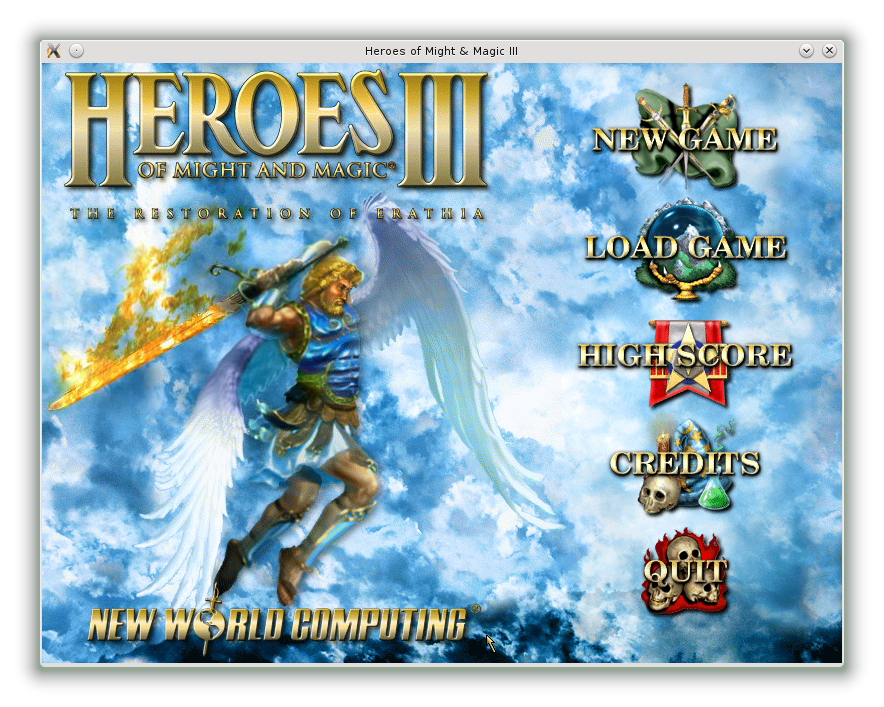
Heroes of Might & Magic III 1.3.1aRun heroes3 as your regular user to start playing. To view the available command-line options, run heroes3 --help or review the output below.
Game options
# heroes3 --help
Linux version by Loki Software, Inc.
http://www.lokigames.com/
Support - FAQ: http://faqs.lokigames.com/
          Web: http://fenris.lokigames.com/

          E-mail: support@lokigames.com
          Phone:  1-714-508-2140 (9-5 PM US Pacific Time)

Usage: heroes3 [options]
     [-h | --help]           Display this help message
     [-v | --version]        Display the game version
     [-f | --fullscreen]     Run the game fullscreen
     [-w | --windowed]       Run the game in a window
     [-s | --nosound]        Do not access the soundcard
     [-c | --nocdrom]        Do not access the CD-ROM
     [-u | --update]         Run the Loki auto-update tool
     [-q | --qagent]         Run the Loki QAgent support tool
     [-x | --x11cursor]      Use the X11 hardware mouse cursor
     [-l | --logging]        Enable logging

You can use the HEROES3_DATA environment variable to force the
Heroes III installation directory
Note: The -u / --update and -q / --qagent options no longer work.
5. Known problems
The game has some known problems on newer GNU/Linux distributions.
No sound
When starting the game, you may see the following error:
Couldn't open audio:The solution varies between distributions. Consult your distribution’s community for help. On some systems, sound works without any changes.
Random crashes
The game may occasionally crash. Start it with the -l option to enable logging:
heroes3 -lThe log files are stored in ~/.loki/heroes3, under your home directory.
6. Adding custom maps
To install custom maps for the current user, copy them to ~/.loki/heroes3/maps. To make them available to all users, copy them to the maps directory inside the game’s installation directory.
In this tutorial, the installation directory is /usr/local/games/Heroes3, so the shared maps directory is /usr/local/games/Heroes3/maps.
Happy adventuring!