Restore Xfce4 to default settings
·1 min read·paskov
bashdebiandebian-13defaultdesktopgnukdelinuxpkillrmrm--rfsessionsettingsshelltrixieuivirtual-consolexfcexfconfdxfsettingsd
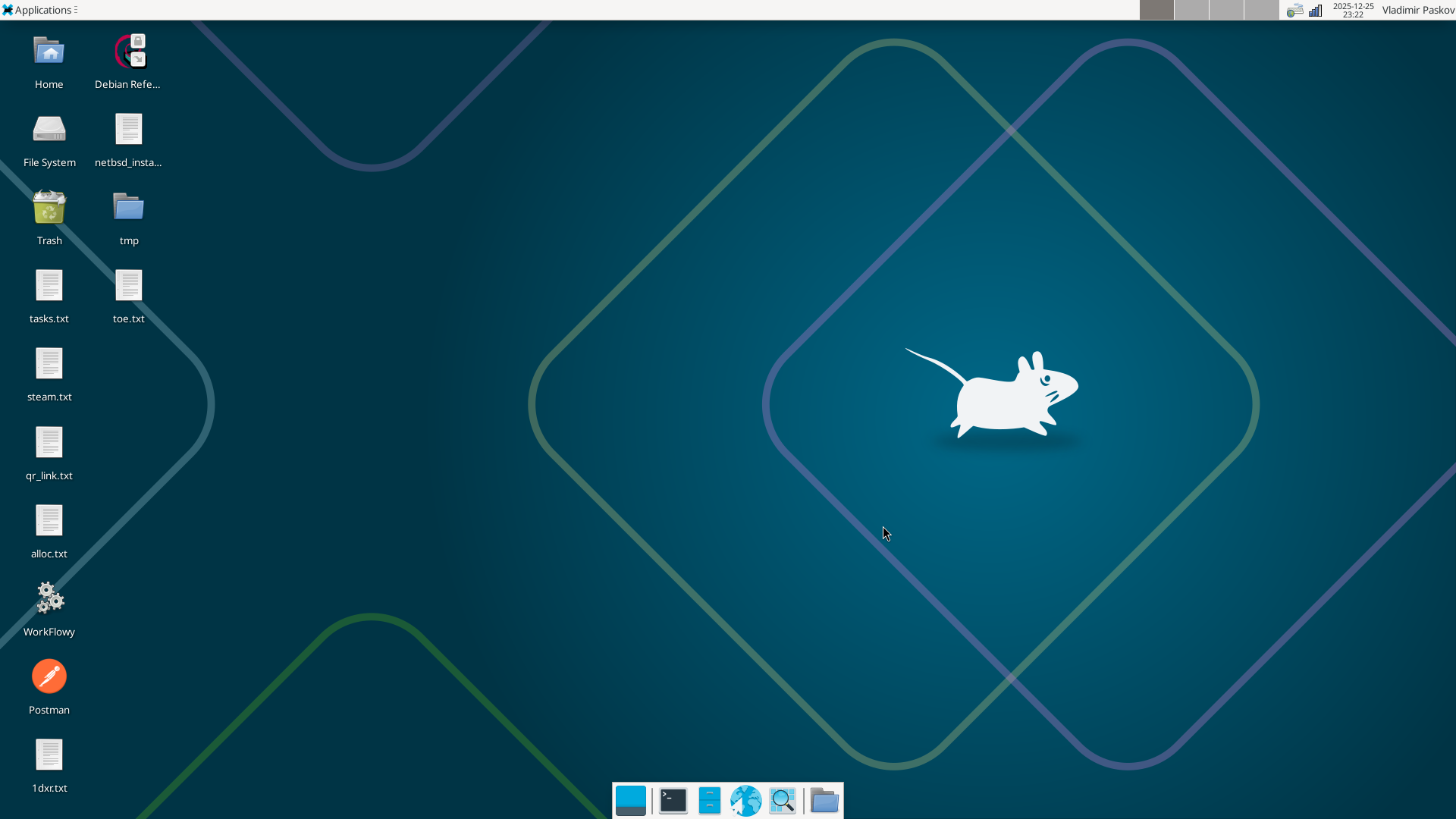
I run Debian 13 (Trixie) with KDE (on Wayland) as my daily driver for Android development on a Lenovo ThinkPad P50, with Xfce4 alongside mainly for tinkering. As with everything you tinker with, things tend to break along the way.
Here is a script that will restore Xfce to it’s default desktop settings for the current user.
#!/bin/bash
pkill -KILL xfconfd xfce4-panel xfce4-session xfsettingsd xfdesktop 2>/dev/null || true

rm -rf ~/.config/xfce4
rm -rf ~/.cache/xfce4
rm -rf ~/.config/xfconf
rm -rf ~/.cache/sessions
rm -rf ~/.local/share/xfce4
rm -rf ~/.local/share/xfce4-panel
Save it as restore_xfce.sh, and make it executable:
chmod +x restore_xfce.shLog out of your Xfce session and switch to a virtual console using Ctrl + Alt + F3, log in with your username and password, and run:
./restore_xfce.shSwitch back to GUI by pressing Alt + F2 or Alt + F1.