Restoration of Pravetz-16 Turbo (IBM PC XT compatible)
My journey into software development started 20 years ago. It may sound crazy, but I was eight when I was introduced to my first computer and Turbo Pascal.
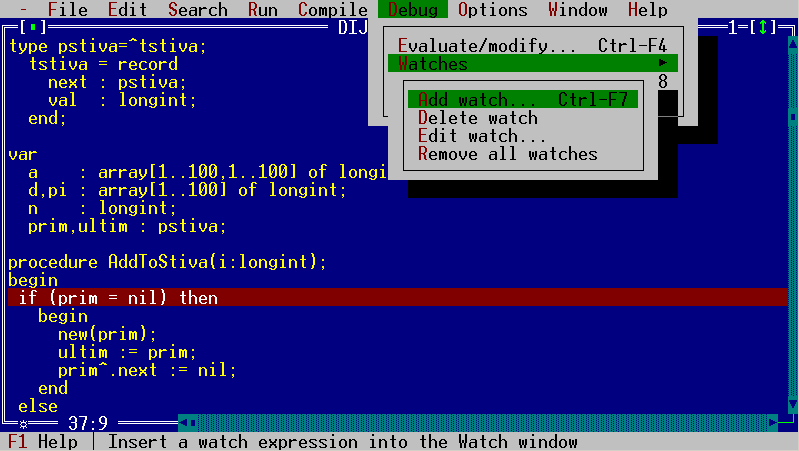
Turbo Pascal DOS IDE
My first computer was a Pravetz-16. It was something new and fascinating to me, and I was hooked immediately.
As the years passed and technology advanced, the old Pravetz eventually died and was sent for recycling.
Almost 20 years later, I felt the urge to have my old computer back and started searching. It was a long search, but I eventually found an advert from a scrap depot selling an old Pravetz. I called them and bought it for 100 leva, around US$70 at the time. It was just the system unit, without any peripherals. Before buying it, I asked the seller to try turning it on. They reported that it powered on, so I arranged to have it delivered.
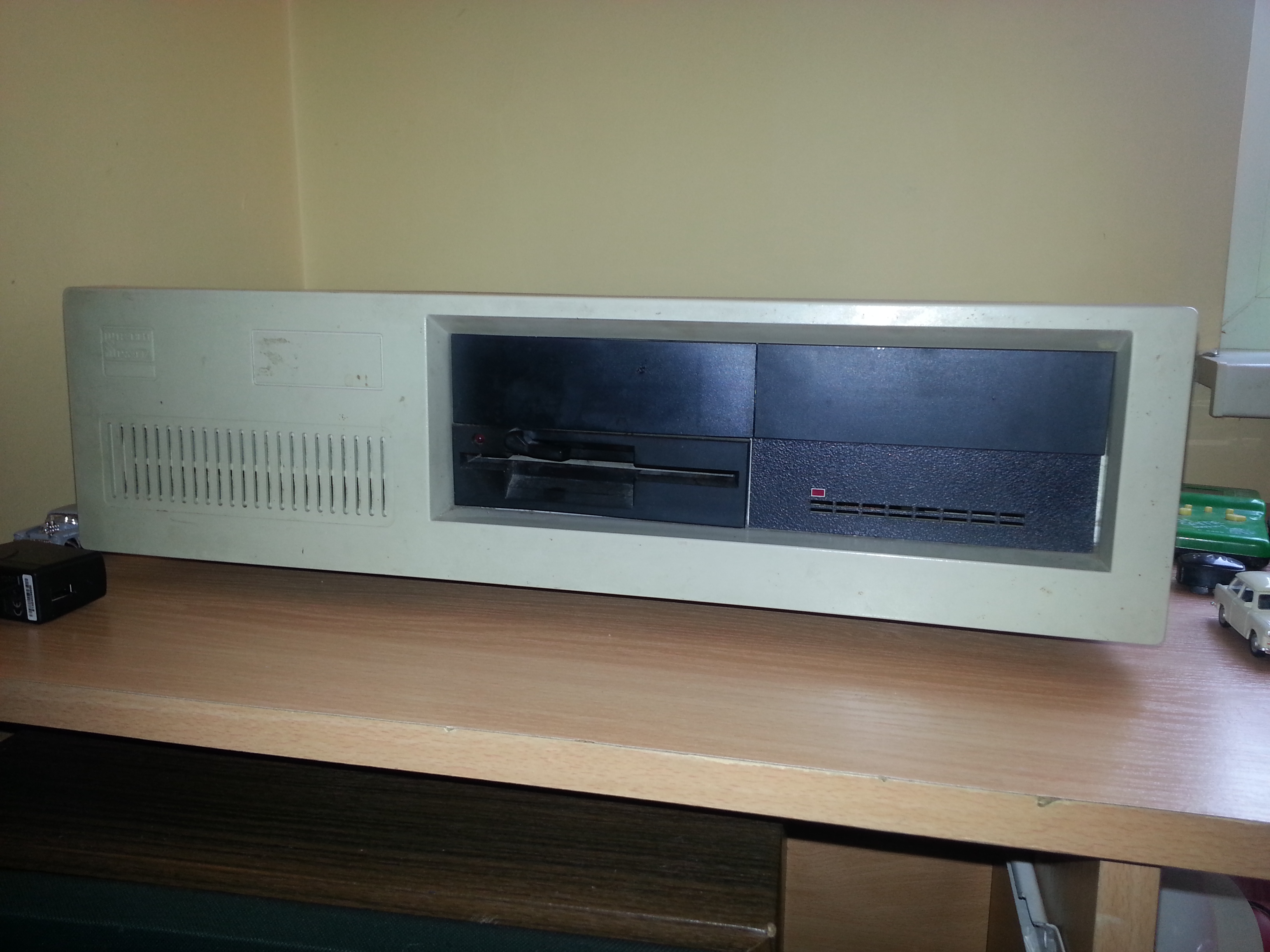
The Pravetz before cleaning
The machine was full of dust, dirt, and dead spiders, and it had a few hardware problems, including an apparently dead serial board. Otherwise, it was largely original. It still had its factory labels, warranty card, and documentation for the floppy drive.
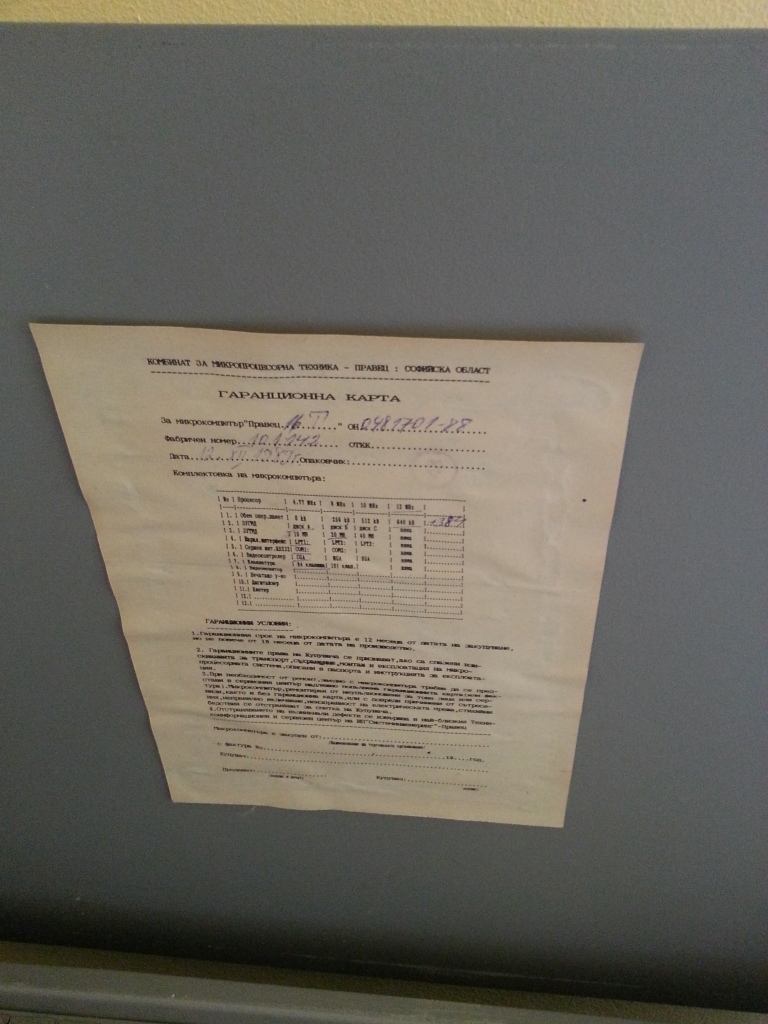
The original warranty card
According to the warranty card, the machine was produced on 12 December 1989. It’s the Turbo version, with the following specifications:
| Component | Specification |
|---|---|
| CPU | NEC V20 (Intel 8088 compatible) |
| RAM | 1 MB |
| Hard drive | 20 MB |
| Floppy drive | 5¼-inch |
| Printer port | LPT |
| Serial port | COM |
| Graphics | CGA video card (VDO-3) |
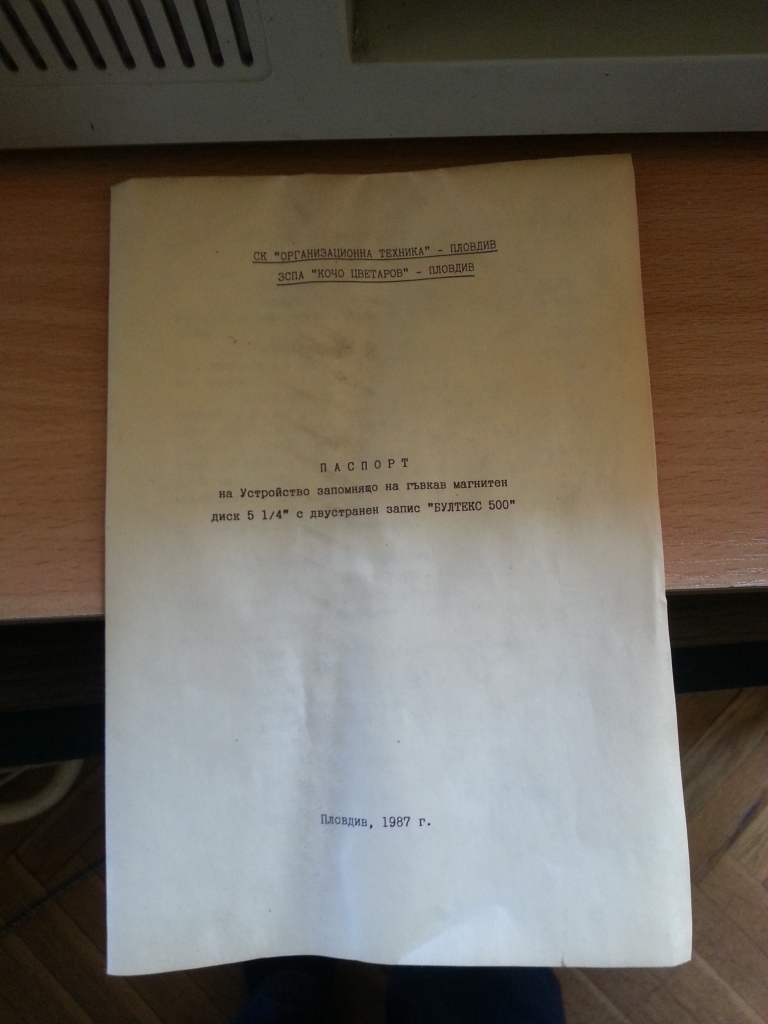
The floppy drive documentation
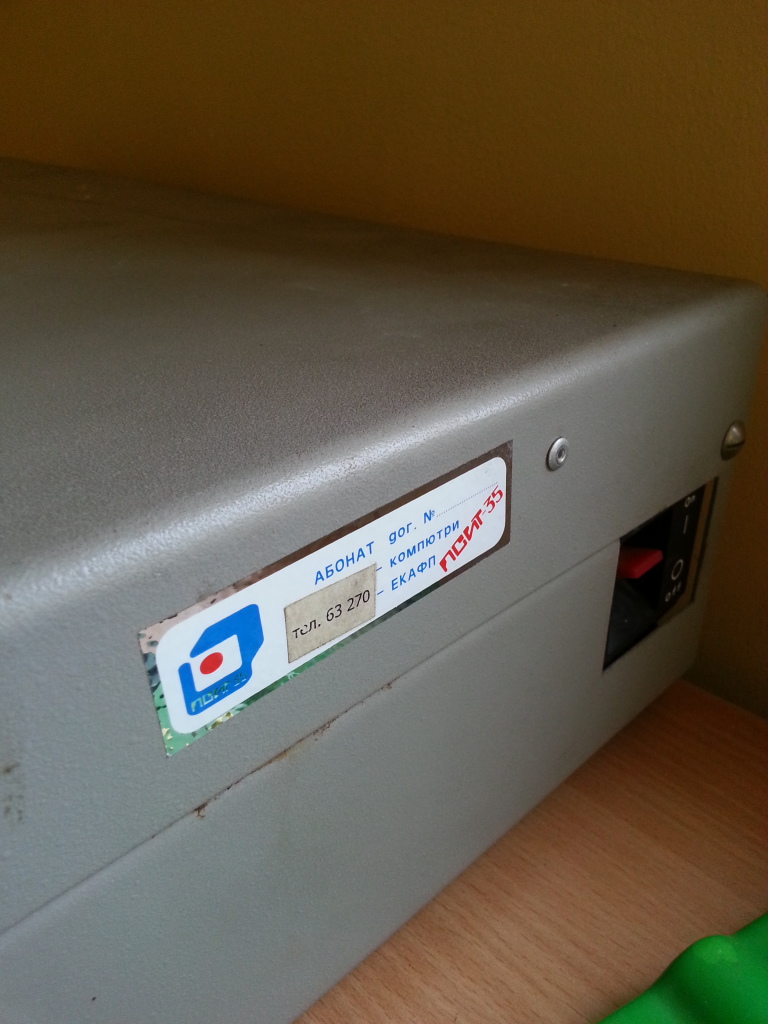
The service contact sticker
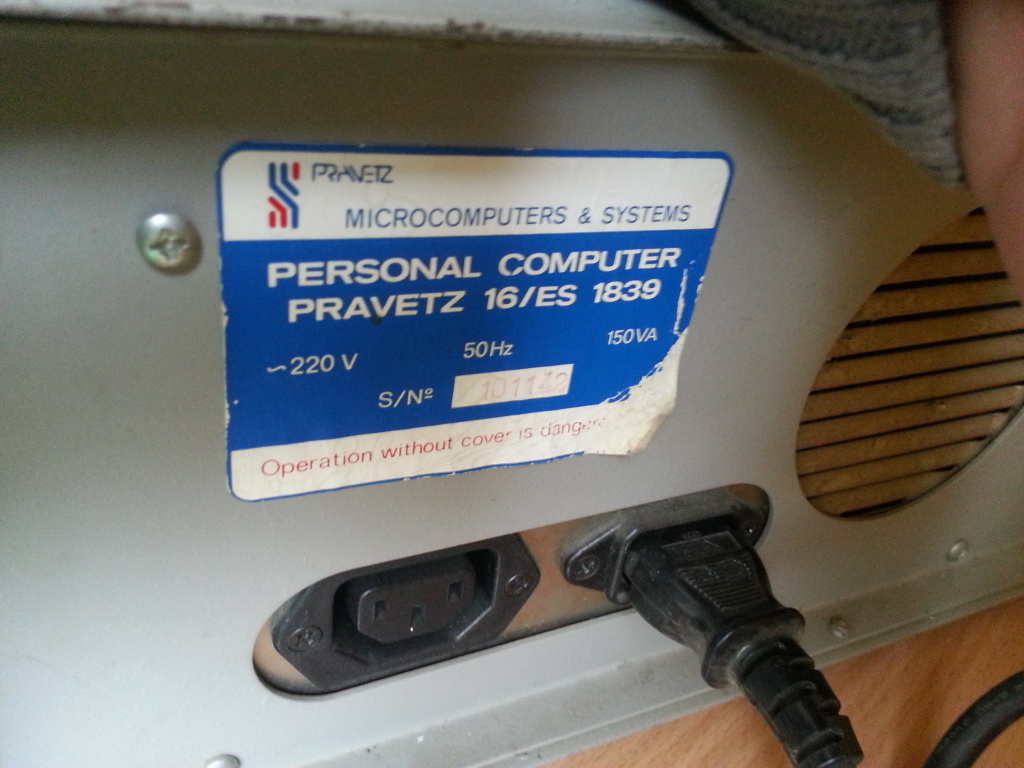
The model label on the back
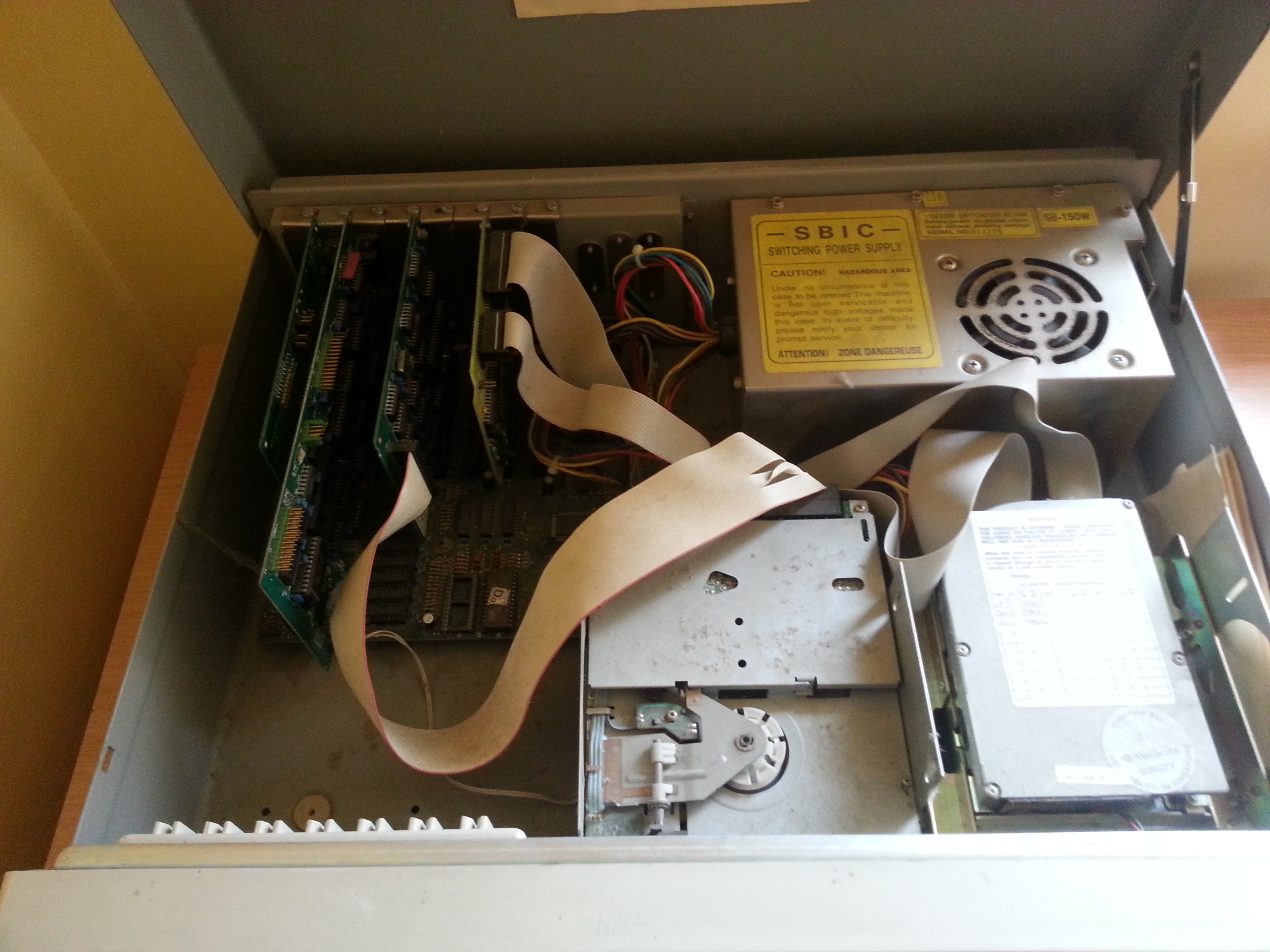
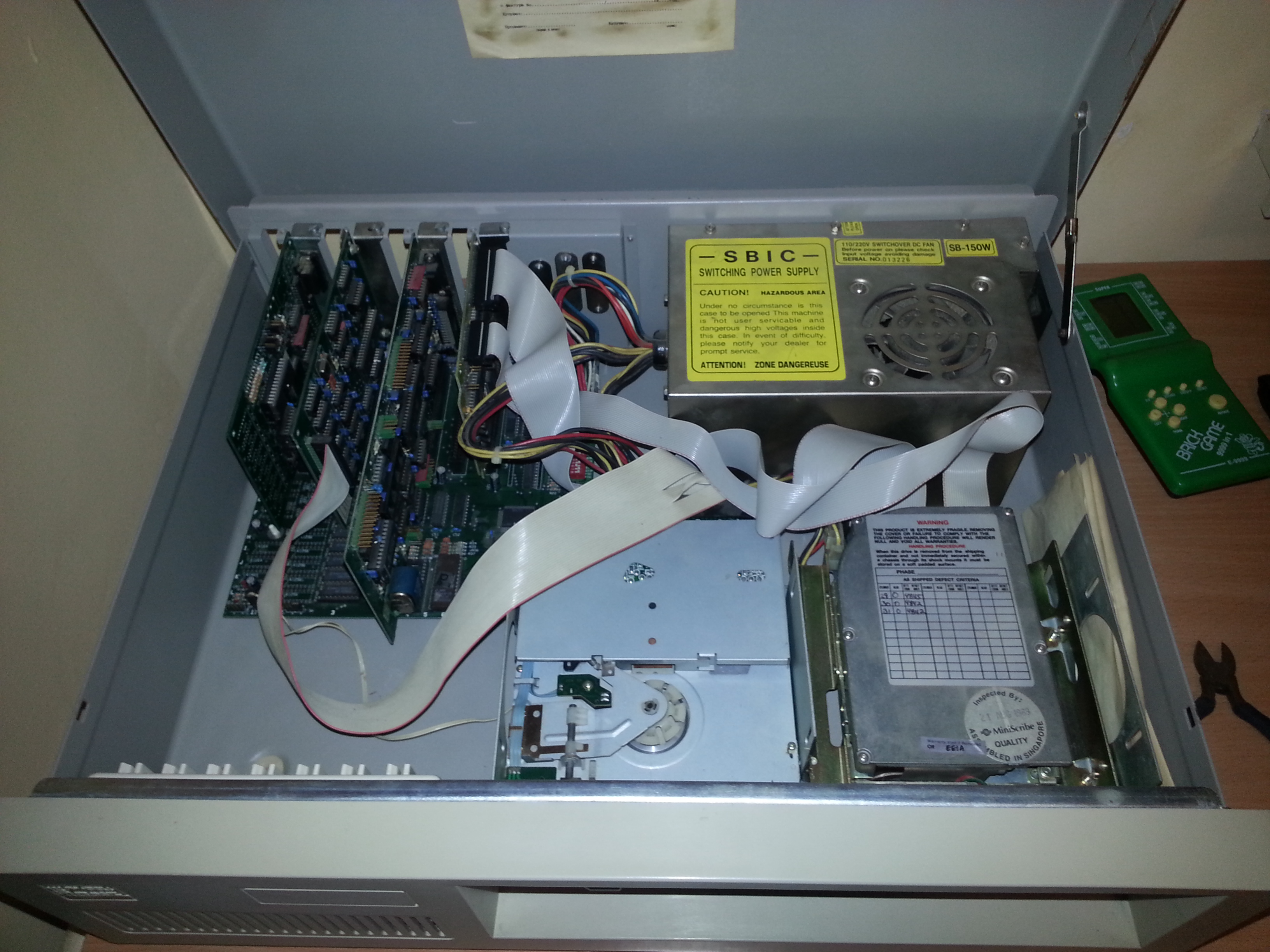
Inside the PC before cleaning
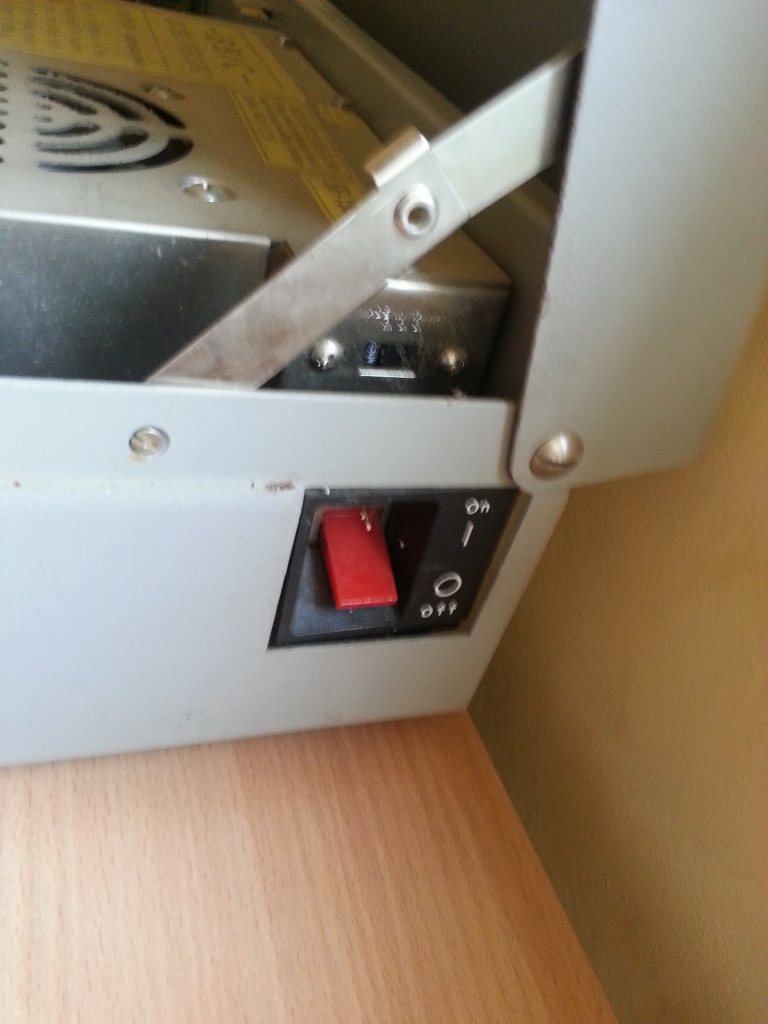
The power switch
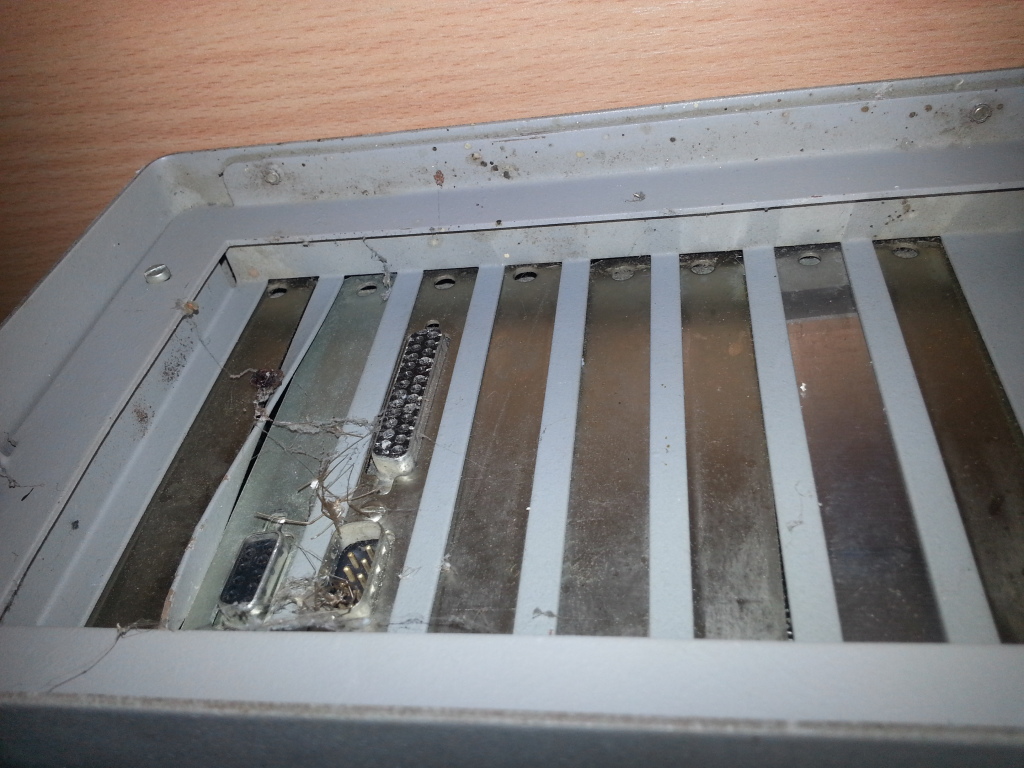
Dead spiders and cobwebs around the rear expansion slots
It took me seven hours to disassemble the PC, clean it screw by screw, and put it back together. I washed the non-electrical parts and cleaned the electrical components with an alcohol solution and an old toothbrush. The old Pravetz now looks like new.
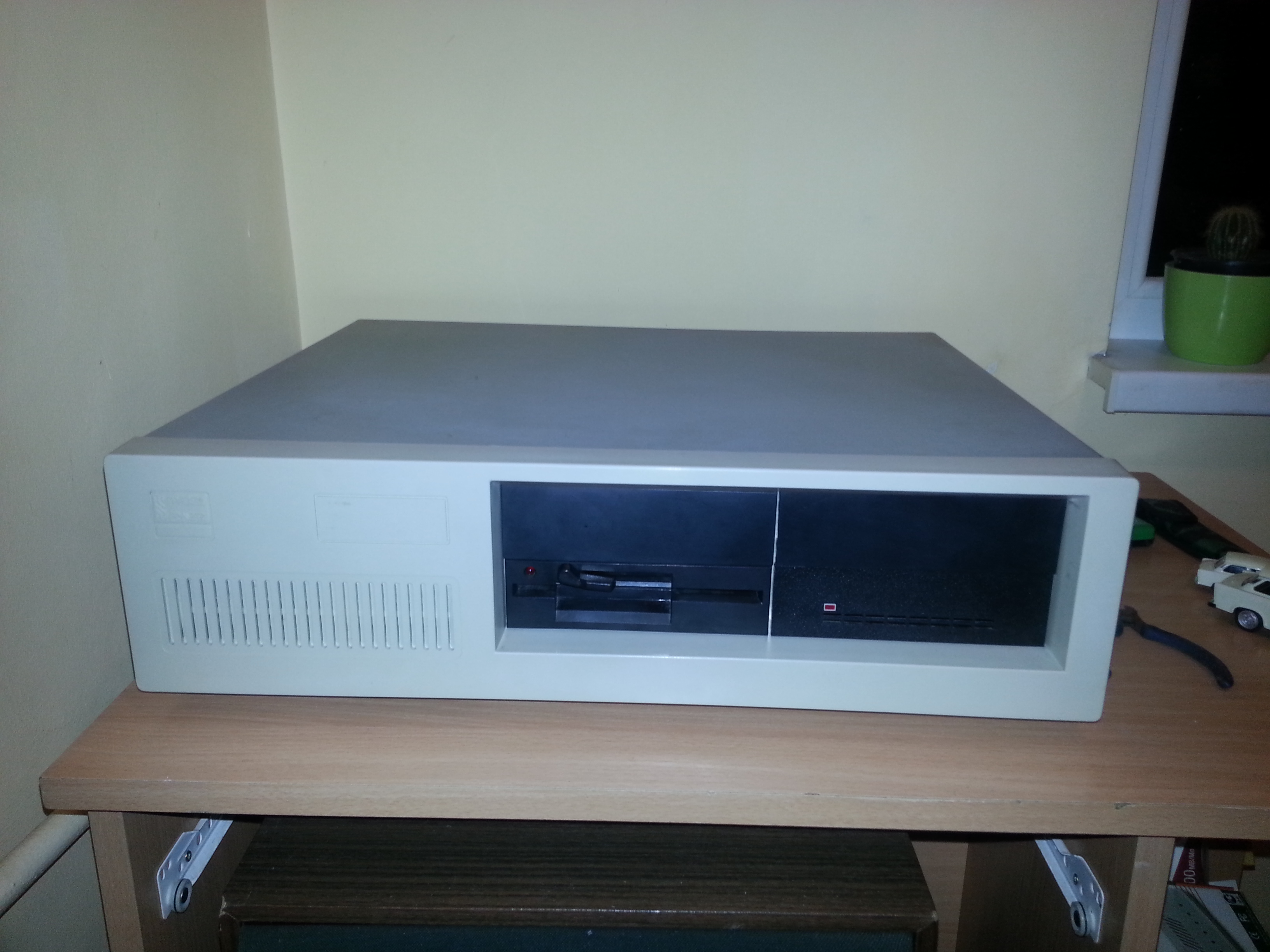
I also found a keyboard yesterday and ordered a pile of floppy disks. They should arrive soon.
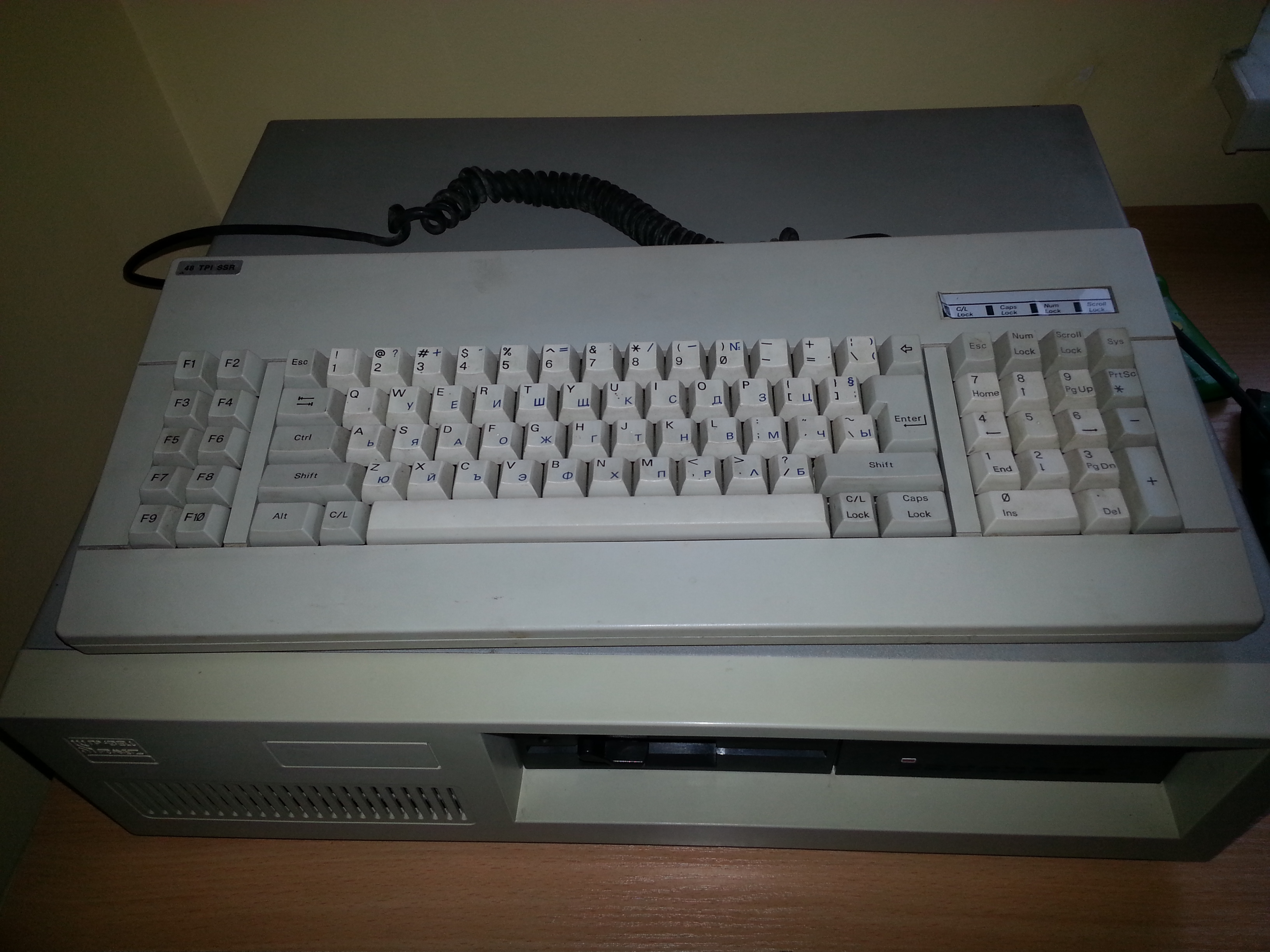
The keyboard
Now I’m looking for a CGA monitor so I can finally turn the machine on and see whether it boots. In the meantime, I’ll disassemble and clean the keyboard.
Follow-up: Diskettes for the Pravetz.