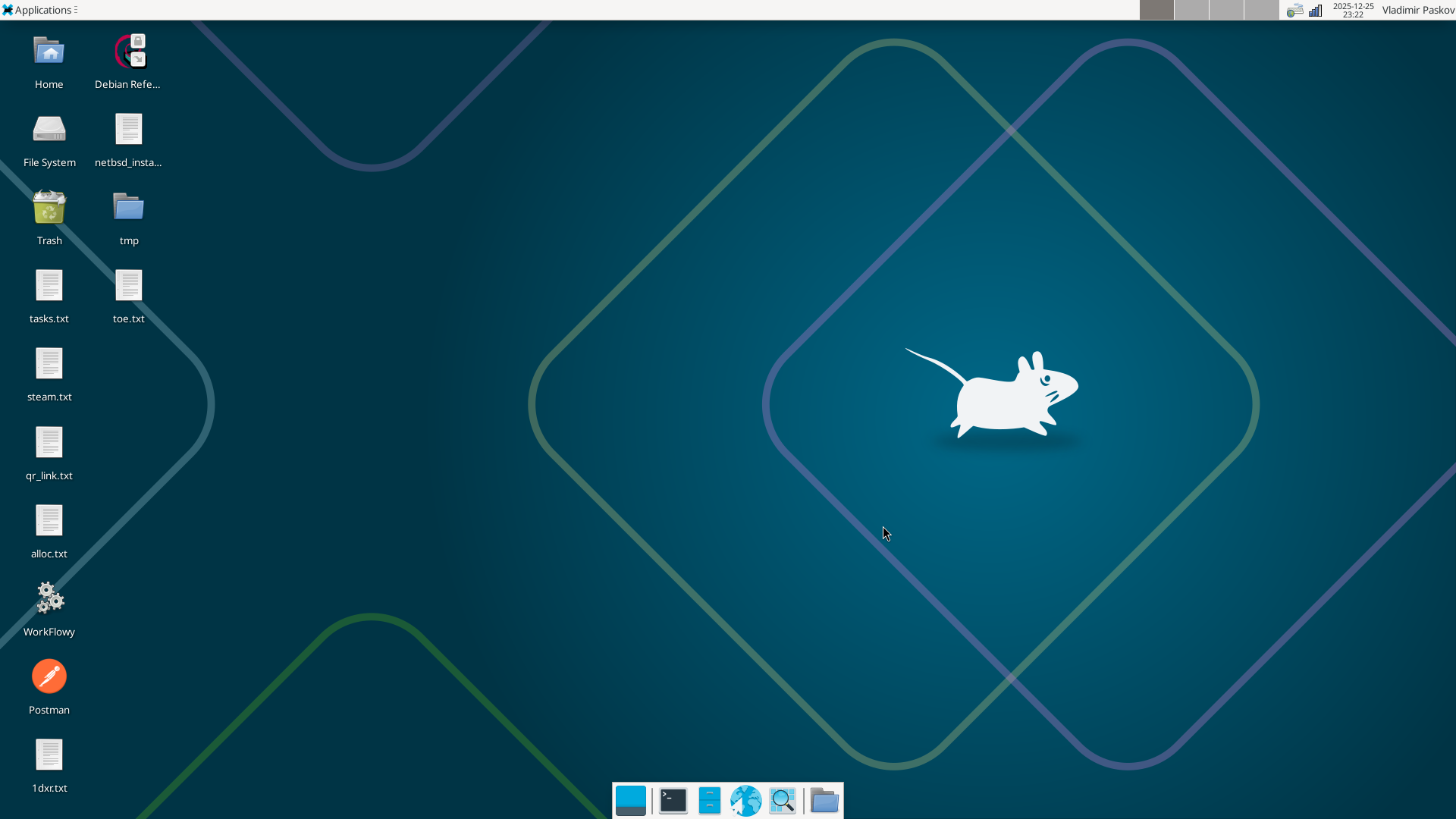
Restore Xfce4 to default settings
·1 min read
Restore Xfce4’s default desktop settings for the current user with a Bash script that removes configuration files, caches, and saved sessions.
Restore Xfce4’s default desktop settings for the current user with a Bash script that removes configuration files, caches, and saved sessions.
Restore image dimensions and metadata in Dolphin on Gentoo by enabling the semantic-desktop USE flag and rebuilding the file manager.
Change the screen resolution of a CentOS or RHEL virtual machine in Hyper-V using grubby to configure the hyperv_fb framebuffer driver.
Disable overlay scrollbars in Ubuntu 14.04 LTS and switch to normal scrollbars with a single gsettings command.
Remove GNOME-related packages from openSUSE with a shell command that combines zypper, rpm, and grep.
Configure a monitor and TV with NVIDIA TwinView on openSUSE 11.4 and save the display settings permanently in the X server configuration.