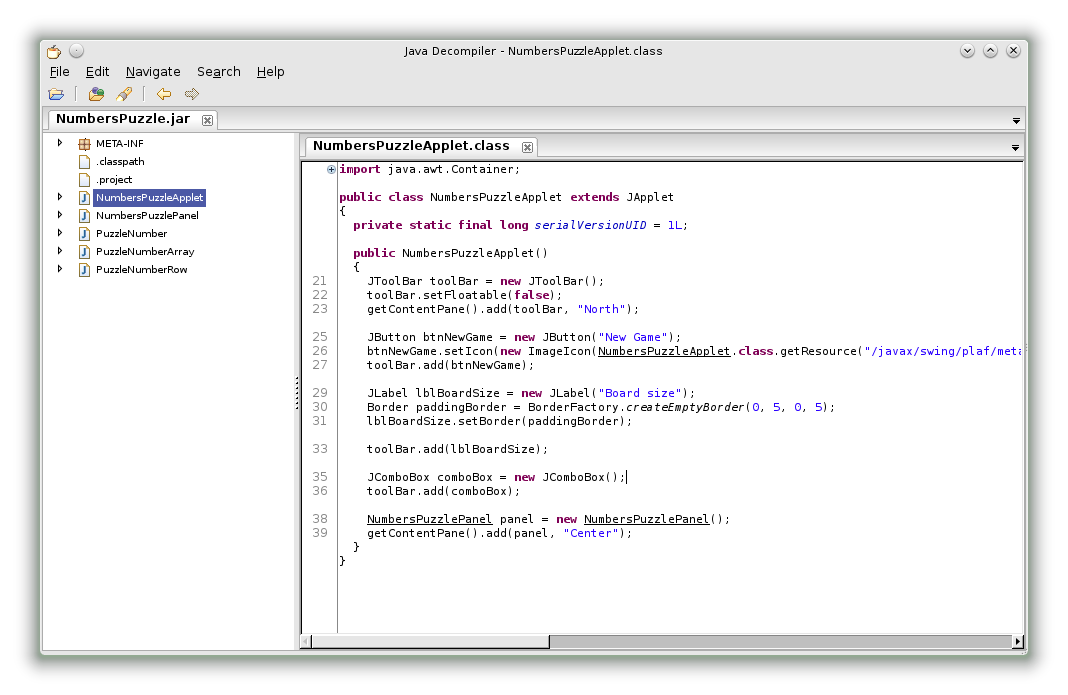
Installing JD-GUI on openSUSE
·1 min read
Run the JD-GUI Java decompiler on openSUSE by installing its required libraries, with dependency lists for 32-bit and 64-bit systems.
Run the JD-GUI Java decompiler on openSUSE by installing its required libraries, with dependency lists for 32-bit and 64-bit systems.
Install Oracle JDK 8 on openSUSE from an RPM package, configure the default Java tools with update-alternatives, and set JAVA_HOME.
Learn to install, upgrade, remove, and query RPM packages, with openSUSE examples for package details, file lists, and file ownership.
Remove GNOME-related packages from openSUSE with a shell command that combines zypper, rpm, and grep.