Console screen resolution (framebuffer) with NVIDIA drivers on Ubuntu, Debian, or Linux Mint
·1 min read
Set the framebuffer console resolution with proprietary NVIDIA drivers on Ubuntu, Debian, or Linux Mint using GRUB 2 graphics settings.
Disable overlay scrollbars in Ubuntu 14.04 LTS and switch to normal scrollbars with a single gsettings command.
Set a root password on Ubuntu 14.04 LTS with sudo passwd root, then use su - to open a root login shell.
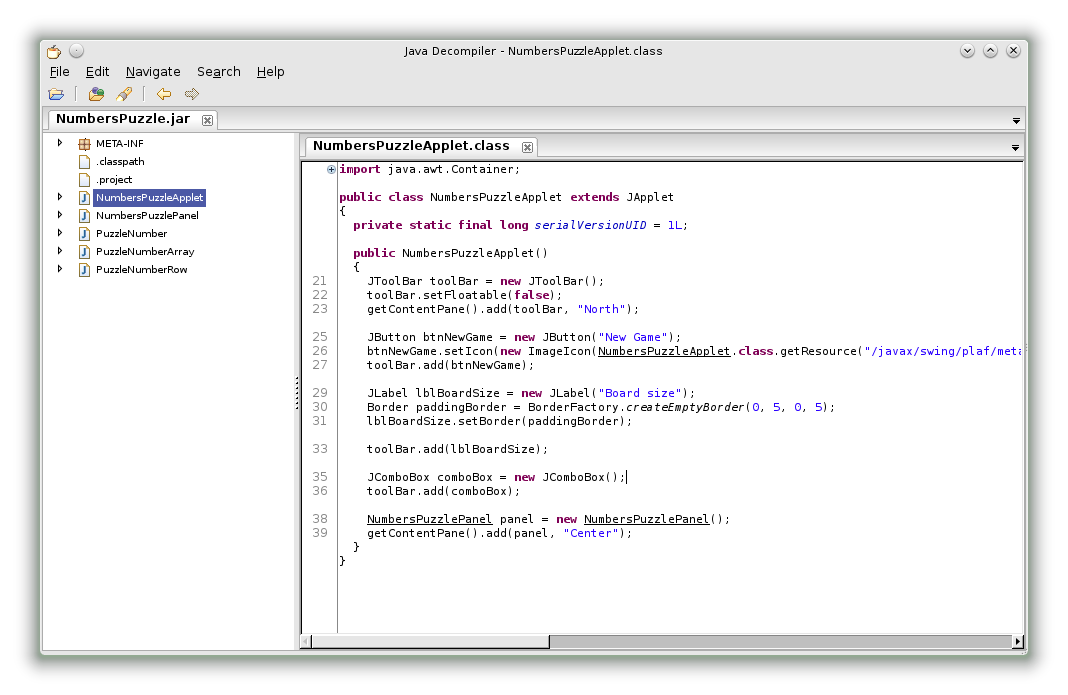
Run the JD-GUI Java decompiler on openSUSE by installing its required libraries, with dependency lists for 32-bit and 64-bit systems.
Install Oracle JDK 8 on openSUSE from an RPM package, configure the default Java tools with update-alternatives, and set JAVA_HOME.
Work around Eclipse ADT hanging on 'Building workspace' at startup by terminating running adb processes and restarting the IDE.
Learn to install, upgrade, remove, and query RPM packages, with openSUSE examples for package details, file lists, and file ownership.
Remove GNOME-related packages from openSUSE with a shell command that combines zypper, rpm, and grep.
Configure a monitor and TV with NVIDIA TwinView on openSUSE 11.4 and save the display settings permanently in the X server configuration.